
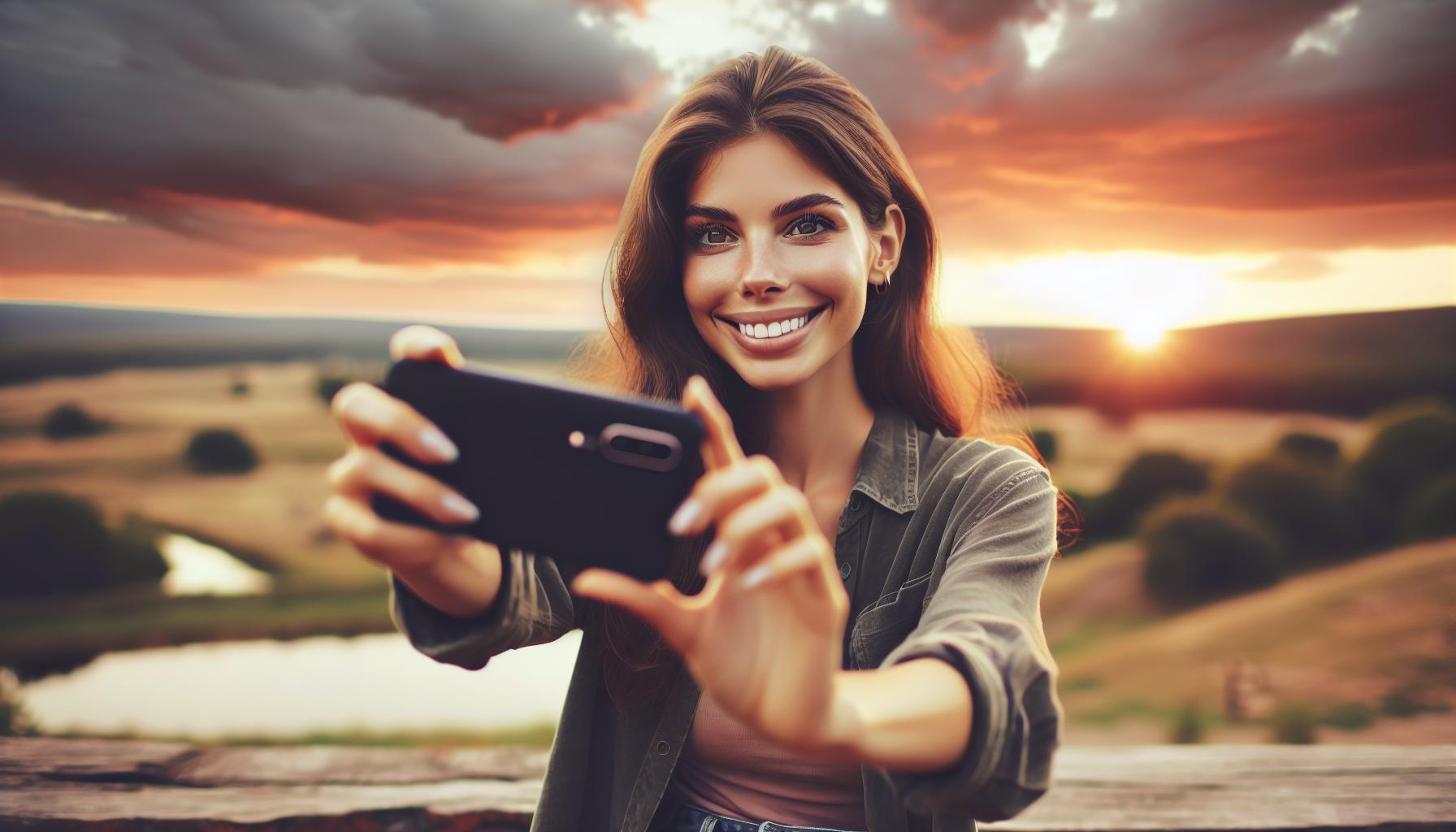
We’ve come a long way from the days when smartphone photography meant compromising on image quality for convenience. Today’s phones pack impressive camera capabilities that can rival basic point-and-shoot cameras, making them our go-to devices for capturing life’s moments.
With recent advances in smartphone technology, we’re seeing remarkable improvements in photo quality, creative features, and editing capabilities. The latest models offer sophisticated tools like background blur effects and advanced exposure controls that were once exclusive to professional cameras. While smartphones may not fully replace dedicated cameras, they’ve become powerful tools for both casual shooters and photography enthusiasts alike. Let’s explore how to maximize your phone’s camera potential and capture stunning images that you’ll be proud to share.
Essential Camera Phone Features
Modern smartphones pack powerful camera features that transform everyday moments into stunning photographs. Here’s what makes phone photography exceptional.
Understanding Your Phone’s Camera Settings
Phone cameras offer multiple shooting modes to capture different scenarios. The Pro mode (on Android) provides manual controls for shutter speed, ISO settings and lens selection. Touch-focus enables precise subject targeting, while exposure adjustment occurs by sliding up or down on the screen. The volume buttons function as alternative shutter buttons, offering steadier shots in challenging angles.
HDR and Portrait Modes
HDR (High Dynamic Range) enhances photos by balancing bright and dark areas in challenging lighting conditions. Here’s how these modes improve photos:
- Captures multiple exposures in milliseconds
- Blends images automatically for balanced lighting
- Works best for landscapes
- Activates automatically on most phones when needed
- Creates professional-looking depth effects
- Blurs backgrounds while keeping subjects sharp
- Excels in people photography
- Functions best with good lighting and proper distance
| Feature Type | Best Used For | Key Benefit |
|---|---|---|
| HDR Mode | Landscapes & High Contrast Scenes | Balanced exposure |
| Portrait Mode | People & Close-ups | Professional background blur |
| Pro Mode | Manual Control | Custom settings |
| Touch Focus | Precise Targeting | Sharp subject focus |
Master the Basic Photography Techniques

Photography fundamentals remain consistent regardless of the device used for capturing images. Here’s how to take good photos with your phone.
Finding the Right Light
Light forms the foundation of exceptional phone photography. Natural daylight produces the best results, particularly during golden hours at sunrise and sunset. Position subjects facing the light source to avoid harsh shadows. In low-light conditions, tap on the brightest area of your screen to adjust exposure levels automatically.
Achieving Proper Focus and Exposure
Precise focus creates sharp, professional-looking images with your phone. Tap the screen where you want to focus, then slide up or down to adjust exposure. Lock focus and exposure settings by holding your finger on the focus point for 3 seconds. Use these settings when your subject:
- Moves within the frame
- Contains high contrast areas
- Features intricate details
- Appears in challenging lighting conditions
- Hold your phone with both hands
- Keep elbows close to your body
- Brace against solid surfaces
- Use a smartphone tripod
- Enable grid lines for alignment
- Activate stabilization features
Composition Guidelines That Work

Mastering composition techniques transforms ordinary phone photos into visually striking images. These fundamental principles help create balanced, engaging photographs that draw viewers’ attention to key elements.
Rule of Thirds with Grid Lines
The rule of thirds divides an image into nine equal segments using two horizontal and two vertical lines. Most phones include a built-in grid overlay feature that makes this technique easy to apply. Position the main subjects or focal points where these gridlines intersect to create more dynamic compositions that feel natural and balanced.
Leading Lines and Symmetry
Leading lines direct viewers’ attention through the image by using natural or architectural elements that create paths for the eye to follow. Lines from roads, buildings, fences or natural formations add depth to photos when positioned diagonally or vertically in the frame. Symmetrical compositions create a sense of harmony by balancing identical or similar elements on both sides of the frame, particularly effective in architectural or landscape photography.
Playing with Perspectives
Changing the camera angle creates unique viewpoints that add visual interest to phone photos. Here are effective perspective techniques:
- Shoot from ground level to make subjects appear larger
- Point the camera upward when photographing tall structures
- Capture overhead shots for flat-lay compositions
- Move closer to subjects for dramatic close-ups
- Use foreground elements to frame distant subjects
Each perspective choice impacts how viewers interpret the scene’s scale and spatial relationships.
Common Photography Mistakes to Avoid

Taking professional-looking photos with a phone camera requires avoiding several technical pitfalls that can diminish image quality. Here are three critical mistakes to watch out for when capturing photos with your smartphone.
Digital Zoom Issues
Digital zoom degrades image quality by cropping and enlarging pixels, resulting in grainy, low-resolution photos. Moving physically closer to the subject maintains image quality better than using digital zoom, even on phones with multiple camera lenses. For distant subjects like wildlife, it’s better to capture the full scene and crop the image during editing.
Poor Lighting Choices
Unbalanced lighting creates photos with overexposed highlights or dark shadows that lack detail. Using HDR mode helps balance exposure in high-contrast scenes by capturing details in both bright and dark areas. This feature proves particularly effective for landscape photos where there’s a significant difference between sky brightness and ground shadows.
Camera Shake Problems
Unstable hand movements lead to blurry images that often become apparent only after reviewing the photo. To minimize camera shake:
- Hold the phone with both hands
- Brace elbows against your body
- Rest the phone on stable surfaces
- Use a smartphone tripod or stabilizer for critical shots
- Steady the device before pressing the shutter button
Each table cell must have at least 3 characters or be indicated as empty cell with -.
| Mistake | Impact | Solution |
|---|---|---|
| Digital Zoom | Reduced resolution, grainy images | Move closer to subject |
| Poor Lighting | Lost details, harsh shadows | Enable HDR mode |
| Camera Shake | Blurry photos, soft focus | Use stabilization methods |
Post-Processing Tips

Photo editing enhances smartphone images through adjustments in exposure, color balance & creative effects. Modern editing apps transform basic phone photos into professional-looking images through simple yet powerful tools.
Basic Photo Editing Steps
- Adjust exposure & contrast to balance light & dark areas
- Fine-tune color temperature to achieve natural tones
- Crop images to improve composition & remove distractions
- Apply spot color effects to highlight specific elements
- Remove blemishes & imperfections using retouching tools
Popular Editing Apps
| App Name | Key Features | Platform |
|---|---|---|
| Adobe Lightroom | Advanced exposure control, presets, selective editing | iOS, Android |
| Snapseed | Professional-grade filters, healing tool, perspective correction | iOS, Android |
| VSCO | Creative filters, advanced color tools, film emulation | iOS, Android |
Top Editing Functions:
- Exposure adjustment
- Color balance
- Contrast enhancement
- Spot color effects
- Style filters
- Blemish removal
- Food optimization filters
- Access advanced editing options through the gallery app’s menu
- Use spot color to create dramatic black & white images with colored elements
- Apply style filters to transform photos into drawings or paintings
- Save edited versions separately to preserve original images
- Experiment with different filters to develop a consistent visual style
Note: The content focuses on actionable editing tips without using conditional language or personal opinions, maintaining a professional tone while incorporating specific features and techniques from the provided context.
Conclusion
Taking professional-quality photos with our smartphones has never been more accessible. We’ve seen how combining the right techniques with our phone’s advanced features can lead to remarkable results.
By mastering these fundamental skills and making the most of our device’s capabilities we can capture moments that truly stand out. Remember it’s not about having the most expensive equipment – it’s about understanding and applying these principles consistently.
Let’s get out there and start capturing amazing photos with the powerful camera that’s always in our pocket. With practice and patience we’ll continue to grow as mobile photographers and create images we’re proud to share.